

Pixel art
Pixel art to copy on graph paper: animals, anime characters, nature scenes and cute little things like hearts, bows and strawberries. The squares are clearly visible in every picture, so you can copy it square by square.
The easiest templates are small, while anime portraits and landscapes are bigger and fit better on a two-page spread. You need grid paper, a pencil and markers.
Themes
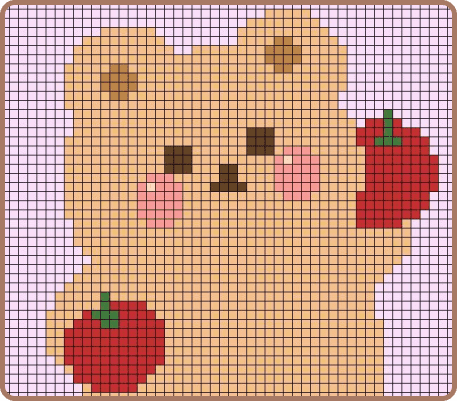


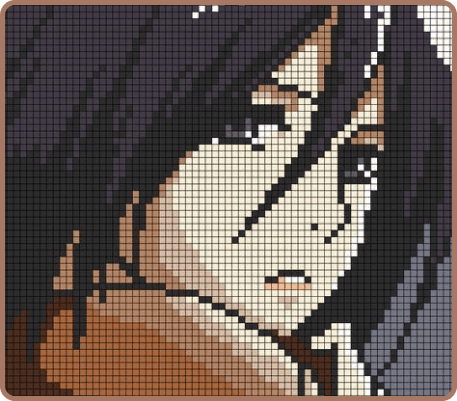


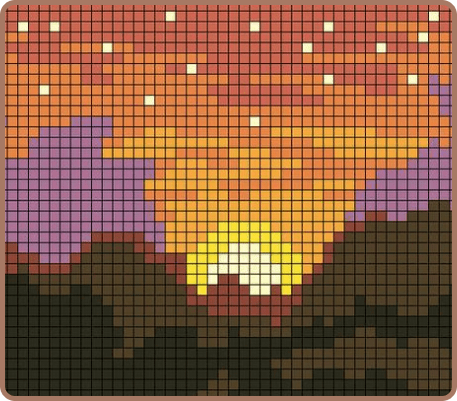


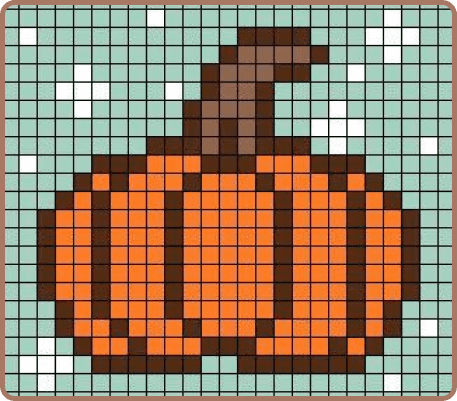


All pixel art drawings
873 drawings


Questions and answers
How do I draw pixel art on graph paper?
Pick a corner or an edge of the picture and mark the same square on your paper. Then copy the drawing row by row: count the filled squares on the template and fill the same number on your page. You can outline the shape first and fill in the color afterwards.
What paper do I need?
Any graph paper or a squared school notebook works. For large pictures, use a two-page spread or a big sheet of grid paper so the whole drawing fits.
What should I color the squares with?
Markers, colored pencils or gel pens. Markers give flat, bright squares, and colored pencils are handy for light shades.
What is a good first pixel art?
Something small from Pixel art ideas: a heart, a star, a bow or a strawberry. Then try animals, and save anime and landscapes for later.
Can I copy a template straight from the screen?
Yes. Tap any picture to open it large. The Draw it button shows it full screen, and you can zoom in while the squares stay sharp. Put your phone or tablet next to your notebook and turn on the lock, so the template does not move if you touch it by accident.